Tag commercial security system

Protect your security system from cyber threats - Consult Phoenix Surveillance, LLC.

How to Protect Your Surveillance System from Cyber Threats

Modern surveillance systems are smarter and more connected than ever. From small business storefronts to large commercial properties, security cameras now rely on internet connectivity, cloud storage, and remote access features to provide real-time monitoring and peace of mind. But with this convenience comes a growing risk: cyber threats.

If your surveillance system is connected to the internet, it can be a target. Hackers may attempt to gain unauthorized access to your cameras, disable your system, steal sensitive footage, or even use your network as a gateway to other business data. The good news is that with the right strategies in place, you can significantly reduce your risk.

Here’s how to protect your surveillance system from cyber threats.

1. Change Default Usernames and Passwords

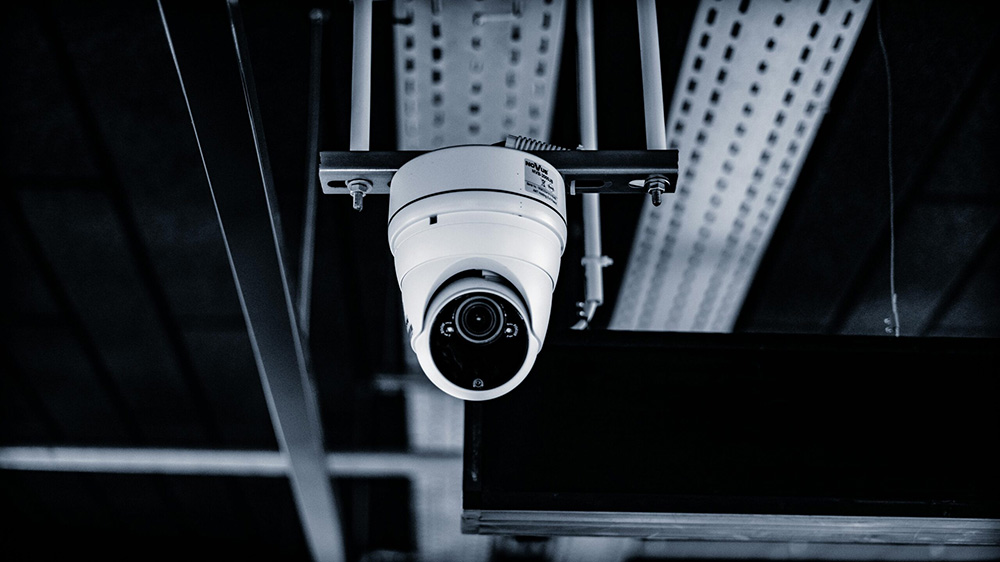
Protect your security system - Consult Phoenix Surveillance, LLC.

One of the most common vulnerabilities in surveillance systems is the use of default login credentials. Many cameras and recorders come with factory-set usernames and passwords that are widely known and easily searchable online.

As soon as your system is installed, change all default credentials to strong, unique passwords. A secure password should:

  • Be at least 12–16 characters long
  • Include a mix of uppercase and lowercase letters
  • Contain numbers and special characters
  • Avoid common words or predictable patterns

Consider using a reputable password manager to generate and securely store complex passwords for all system users.

2. Keep Firmware and Software Updated

Manufacturers regularly release firmware and software updates to patch security vulnerabilities and improve performance. Failing to update your surveillance system leaves it exposed to known exploits.

Make it a priority to:

  • Enable automatic updates whenever possible
  • Schedule regular manual checks for firmware updates
  • Ensure your video management software (VMS) is up to date

A trusted security provider like Phoenix Surveillance can help you monitor and manage updates to ensure your system stays secure and compliant.

3. Secure Your Network

Your surveillance system is only as secure as the network it runs on. If your network is compromised, your cameras and recording devices are vulnerable too.

To strengthen your network security:

  • Use a business-grade firewall
  • Enable network encryption (WPA3 or WPA2 for wireless networks)
  • Segment your surveillance system onto its own VLAN or separate network
  • Disable unused ports and services

Network segmentation is especially important for businesses. By isolating your cameras from other systems, you limit the damage a hacker can cause if they gain access.

4. Enable Encryption

Encryption protects your data while it’s being transmitted and stored. Without encryption, video footage sent between cameras, recorders, and remote devices could potentially be intercepted.

Look for systems that support:

  • HTTPS for secure web access
  • SSL/TLS encryption for data transmission
  • Encrypted hard drives or secure cloud storage

When properly configured, encryption ensures that even if someone intercepts your data, it remains unreadable and unusable.

5. Use Multi-Factor Authentication (MFA)

Passwords alone are no longer enough. Multi-factor authentication adds an extra layer of protection by requiring a second verification step—such as a one-time code sent to a mobile device.

If your surveillance platform supports MFA, enable it for all users, especially administrators. This dramatically reduces the risk of unauthorized access, even if a password is compromised.

6. Limit User Access and Permissions

Not everyone needs full control of your surveillance system. Assign user roles carefully and follow the principle of least privilege, granting individuals only the access they need to perform their job.

For example:

  • Managers may need live viewing and playback access
  • IT staff may require system configuration rights
  • General employees may not need access at all

Regularly review and remove access for former employees or contractors to prevent lingering vulnerabilities.

7. Monitor for Suspicious Activity

Proactive monitoring is key to identifying threats before they escalate. Many modern surveillance systems offer activity logs that track login attempts, configuration changes, and system events.

Watch for:

  • Repeated failed login attempts
  • Logins from unfamiliar IP addresses
  • Unusual system reboots or configuration changes

Partnering with a professional security provider like Phoenix Surveillance ensures someone is keeping an eye on your system’s health and security around the clock.

8. Work with a Professional Security Integrator

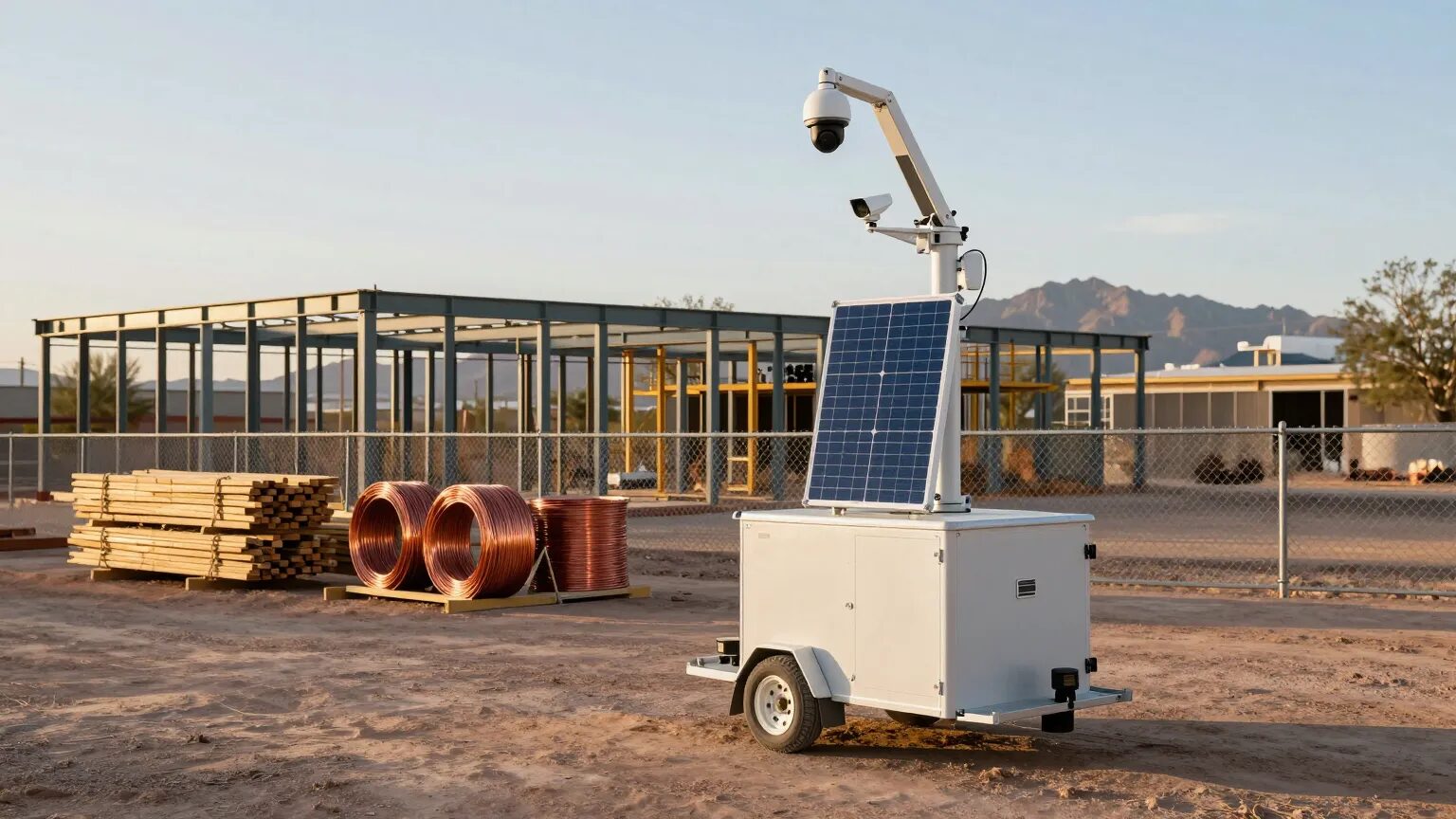
Secure surveillance systems - Consult Phoenix Surveillance, LLC.

DIY installations often overlook critical cybersecurity safeguards. A professional integrator understands not only camera placement and coverage, but also secure configuration, network hardening, and compliance requirements.

At Phoenix Surveillance, we design and implement systems with cybersecurity in mind from day one. From secure device configuration to encrypted storage solutions and ongoing maintenance, we help businesses stay protected against both physical and digital threats.

The Bottom Line

Your surveillance system is meant to protect your property—not create a new vulnerability. As cyber threats continue to evolve, taking a proactive approach to system security is essential.

By changing default credentials, keeping software updated, securing your network, enabling encryption, and limiting access, you can significantly reduce your risk. Even better, partnering with an experienced security provider ensures your system is configured correctly and maintained over time.

Cybersecurity is no longer optional. Protect your surveillance investment – and your business – by making digital security a top priority. If you’re unsure whether your current system is properly secured, Phoenix Surveillance can assess your setup and recommend solutions to strengthen your defenses.


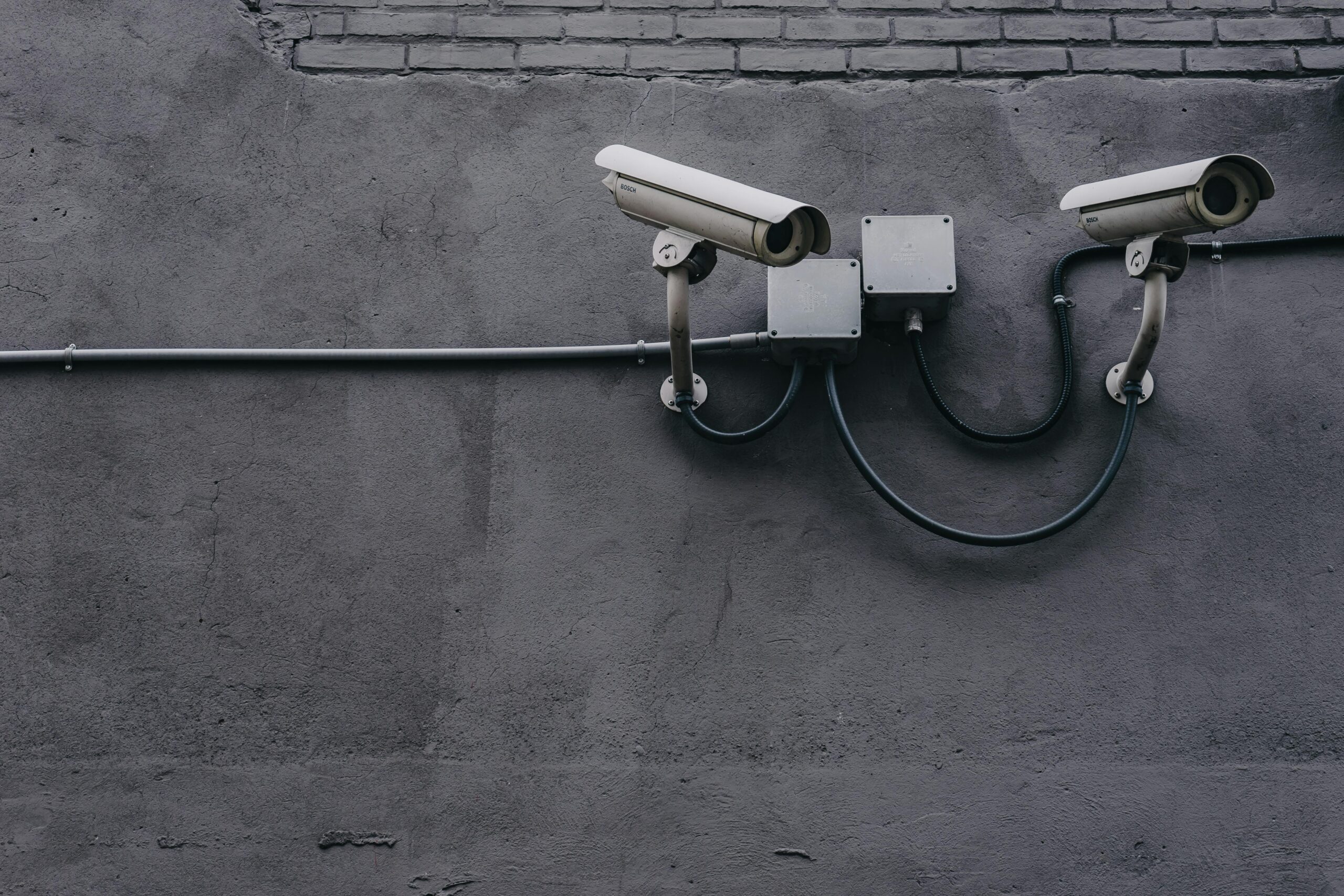
Cloud or local storage? - Consult Phoenix Surveillance, LLC.

Cloud vs. Local Storage: What’s Best for Your Surveillance Footage?

When you invest in a surveillance system, choosing the right type of storage is just as important as choosing the right cameras. Whether you’re securing a home, retail store, office, or large facility, the way you store and manage your video footage can directly impact your security, convenience, and compliance. Today, two main options dominate the market: cloud storage and local storage. Both solutions have clear advantages—and understanding the differences will help you select the best setup for your needs.

At Phoenix Surveillance, we help businesses and homeowners throughout Arizona design scalable, secure surveillance systems. Below, we break down the pros and cons of cloud vs. local storage to help you make the most informed decision possible.

What Is Cloud Storage?

Surveillance with cloud storage - Consult Phoenix Surveillance, LLC.

Cloud storage uses the internet to store surveillance footage on remote servers managed by a third-party provider. Your cameras upload video data to the cloud, allowing you to access and manage footage through a web portal or mobile app.

Benefits of Cloud Storage

  1. Remote Access Anytime, Anywhere
    One of the biggest advantages of cloud storage is the ability to access live and recorded video from any device, whether you’re on-site, traveling, or working from home. This flexibility is ideal for multi-location businesses and homeowners who want to stay connected.
  2. Automatic Backups & Disaster Protection
    Because your footage is stored off-site, it’s protected against fire, theft, vandalism, and equipment failure. Even if your cameras or network video recorder (NVR) are damaged, your video is safe in the cloud.
  3. Easy Scalability
    As your property expands or your security needs grow, cloud storage lets you increase your storage space with simple subscription upgrades. There’s no need to purchase additional hardware.
  4. Reduced Equipment Costs
    Cloud storage eliminates the need for an on-site NVR or large hard drives, reducing upfront costs and minimizing ongoing maintenance.

Potential Drawbacks of Cloud Storage

  1. Monthly Fees: Cloud plans are subscription-based, which means ongoing costs.
  2. Internet Dependency: Uploading video requires a strong and stable internet connection. If bandwidth is limited, your footage may not upload quickly or consistently.
  3. Privacy Concerns: While reputable providers offer encryption and strong security protocols, some businesses prefer to keep all footage in-house.

What Is Local Storage?

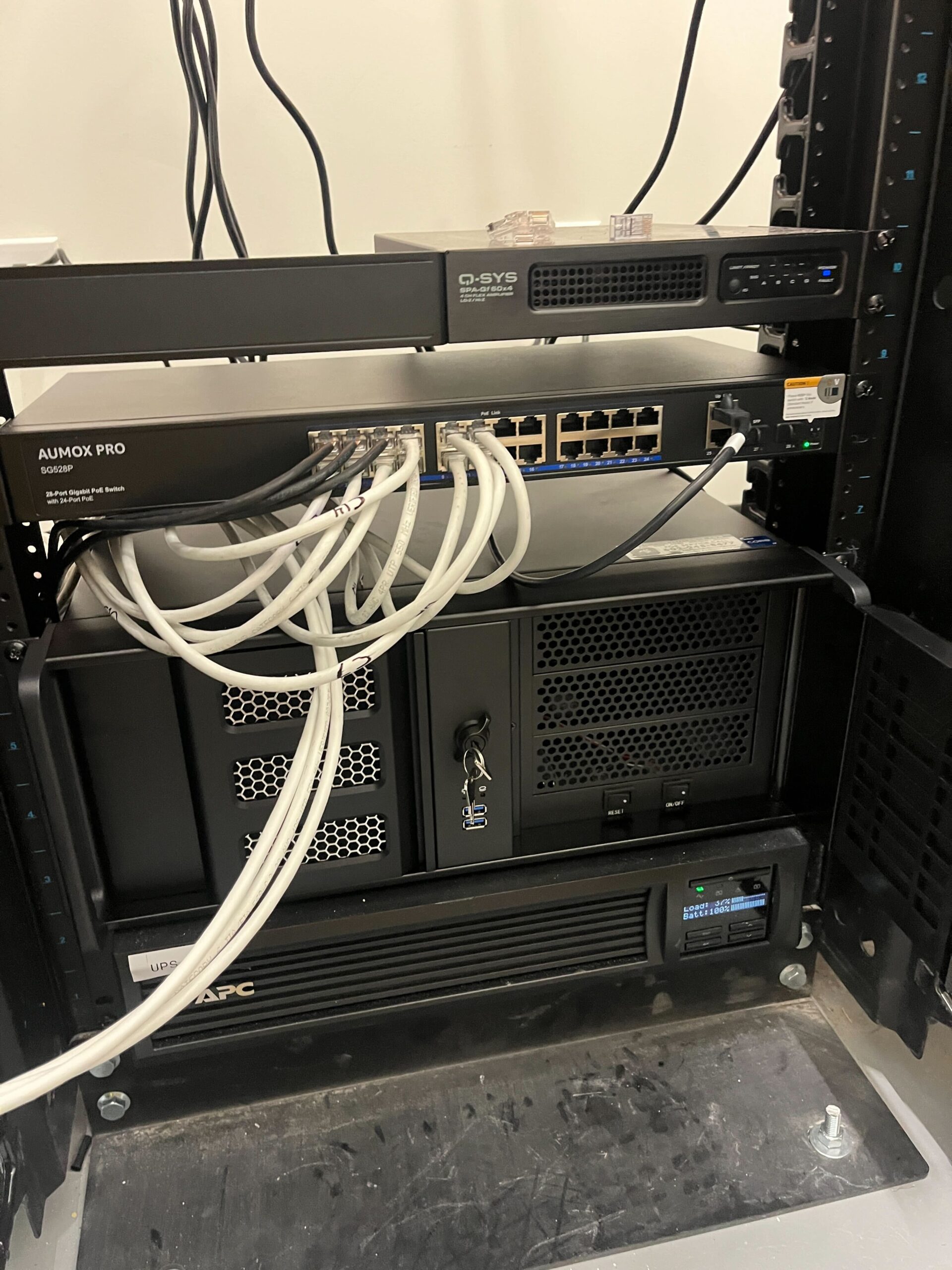
Surveillance with local storage - Consult Phoenix Surveillance, LLC.

Local storage involves saving footage directly on physical devices at your location – typically an NVR, DVR, or SD card within the camera. This method does not require internet access once the system is installed.

Benefits of Local Storage

  1. Full Control Over Your Footage
    Local storage gives you complete ownership and control, which businesses with strict privacy or compliance requirements often prefer.
  2. No Monthly Subscription Costs
    Unlike cloud plans, local storage requires a one-time investment in hardware. This can be a more cost-effective long-term option for larger systems.
  3. Reliable Recording Without Internet
    Your cameras will continue recording even if the internet goes down. This makes local storage ideal for remote sites, warehouses, and areas with unstable connectivity.
  4. Faster Access on the Local Network
    Footage stored locally can be accessed quickly and efficiently, especially when viewing large video files.

Potential Drawbacks of Local Storage

  1. Vulnerable to Physical Damage: Fire, theft, or vandalism can destroy local hardware—and the footage stored on it.
  2. Limited Scalability: Expanding storage may require purchasing new equipment or additional hard drives.
  3. Maintenance Required: Hardware needs regular updates, replacement, and monitoring to ensure it’s functioning properly.

Which Storage Option Is Right for You?

Choosing between cloud and local storage depends on your property, security priorities, and budget. Here’s a quick breakdown:

  • Choose Cloud Storage If You Want:
    ✓ Remote access from any device
    ✓ Automatic backups and redundancy
    ✓ Easy scalability
    ✓ Minimal on-site hardware
  • Choose Local Storage If You Want:
    ✓ Complete control over your footage
    ✓ No monthly fees
    ✓ Reliable recording without internet
    ✓ Faster on-premises access

Many Phoenix Surveillance clients choose a hybrid solution, which combines both local recording and cloud backups. This approach delivers the best of both worlds – local reliability paired with cloud-based protection and remote access.

Secure Your Property With the Right Storage Solution

Whether you need cloud storage, local storage, or a hybrid system, Phoenix Surveillance can design a solution tailored to your needs. Our team provides professional camera installation, advanced NVR systems, and secure cloud integrations for homes and businesses across Arizona.

Ready to upgrade your surveillance system? Contact Phoenix Surveillance today at PhoenixSurveillance.com for expert guidance and a customized security solution.


Your form has been submitted successfully!